Focus guides · June 24, 2026
The 6 Best App Blockers in 2026
An app blocker is the single most effective tool for taking your attention back from a phone that is designed to keep it. Here are the six best in 2026, what each does well, and where each falls short, so you can pick the one that fits how you actually work.
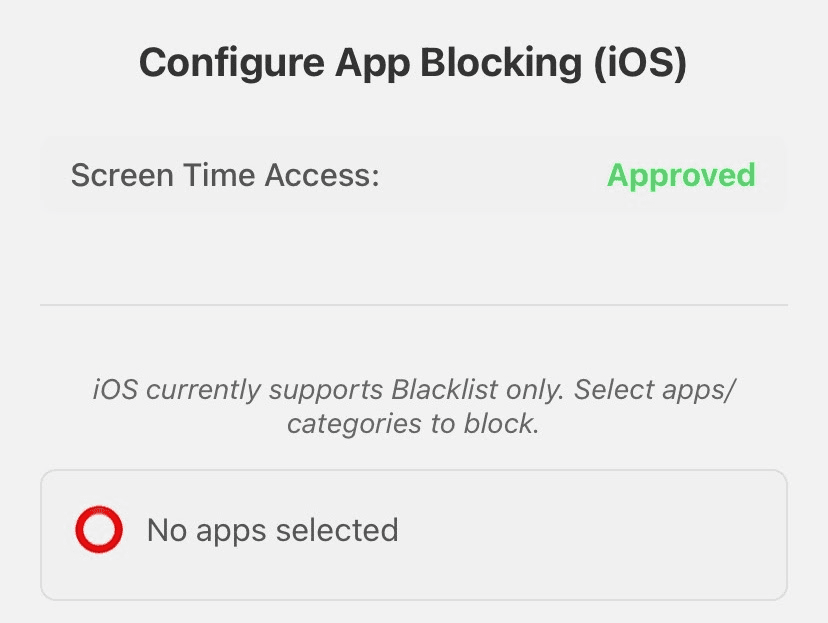
1. Lock In, best free, cross-platform pick
Lock In blocks distracting apps with conscious friction: a deliberate hold to unlock that interrupts the autopilot reach without trapping you. It is the rare blocker where the core features are genuinely free on both iOS and Android, with no subscription. You also get a focus timer, automatic stats, daily streaks, and the ability to lock in with friends or a group.
- Price: Free core features. Optional $4.99 one-time removes ads. No subscription.
- Best for: Anyone who wants real blocking, stats, and streaks without a paywall.
- Watch out: No desktop app yet (mobile-first).
2. Opal, polished iOS experience
Opal is a beautifully designed iOS blocker with focus scores and session insights. The catch is the price: the free tier is limited to one recurring session and a blocklist, and the full experience runs about $99.99 a year. Desktop is Mac only, and there is no whitelist or hard lock, so it is easier to bypass than it looks.
3. Forest, the gentle gamified option
Forest grows a virtual tree while you stay off your phone, and the tree dies if you leave. It is charming and good for light accountability, but it is a kill-switch, not a real blocker, there is no app whitelist and no persistent blocking. It costs $3.99 on iOS (free with a Pro upgrade on Android).
4. Freedom, best for desktop and cross-device
Freedom syncs blocks across phone, tablet, and computer, which makes it a strong pick if your distractions live on a laptop too. It is subscription-heavy though: the free plan is limited to a handful of trial sessions, and ongoing use is $8.99 a month or $199 lifetime. No conscious-friction delay and no whitelist.
5. Cold Turkey, strongest desktop blocking
If your problem is your computer, Cold Turkey is hard to beat, its locked and frozen modes are genuinely difficult to circumvent. But it is desktop only (Windows and macOS), with no iOS or Android app, and the advanced modes sit behind a $39 one-time Pro upgrade.
6. Screen Time and Digital Wellbeing, the built-in tools
Free and already on your phone, Apple Screen Time and Android Digital Wellbeing are a fine starting point. The problem is enforcement: the "ignore limit" button is one tap away, there is no whitelist, and no friction to make you reconsider. They are great at reporting your usage and weak at changing it.
How to choose
- Want free and effective on your phone? Start with Lock In.
- Block your laptop too? Freedom (cross-device) or Cold Turkey (desktop only).
- Just want a gentle nudge? Forest or your built-in Screen Time.
For a deeper feature-by-feature breakdown, see our full app blocker comparison.
Try the free pick
Lock In: real blocking, stats, and streaks. Free on iOS and Android.